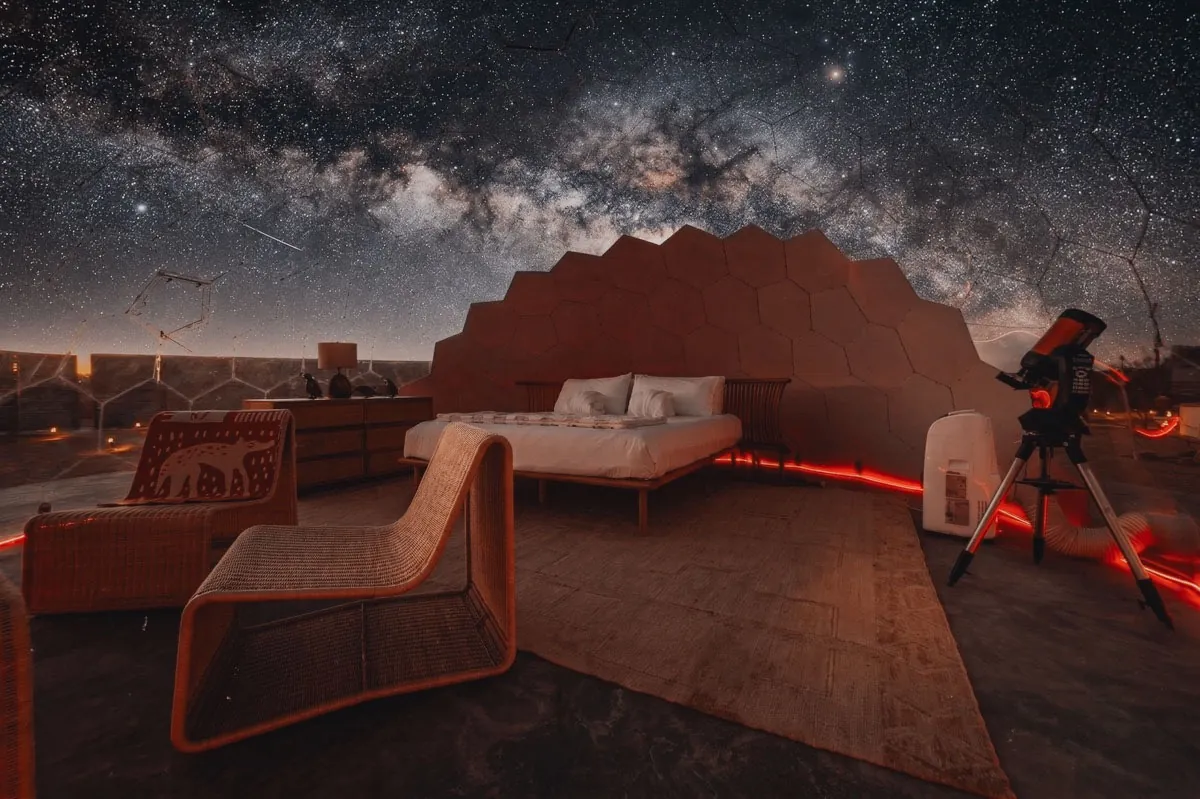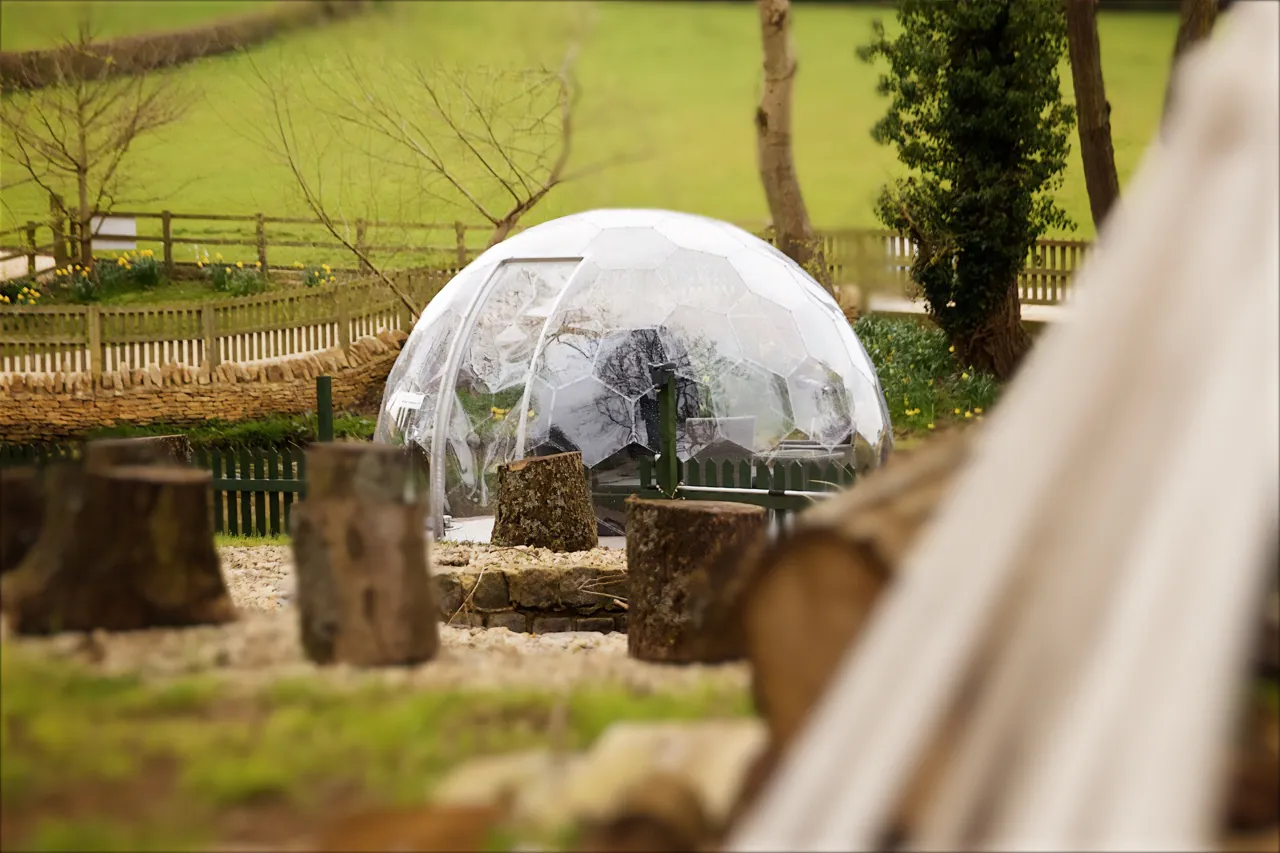



On Airbnb, a dome is one of the strongest pieces of inventory a host can list — but only if the listing itself is doing its job. The structure pulls the eye in search results, the property type sits inside Airbnb’s Unique Stays funnel, and the novelty factor commands a real price premium over comparable cabins or apartments. None of that helps if the cover photo is taken at noon, the title opens with “Cozy,” and the description reads like a hotel brochure.
This is a working guide to the things that actually move the needle on a dome Airbnb listing: photography that earns the click, a title that survives the 32-character mobile cut-off, a description that converts the scroller, pricing that captures the novelty premium without killing occupancy, and the algorithm signals most hosts ignore. Every tactic below is dome-specific. Generic Airbnb advice will get you a generic Airbnb result.
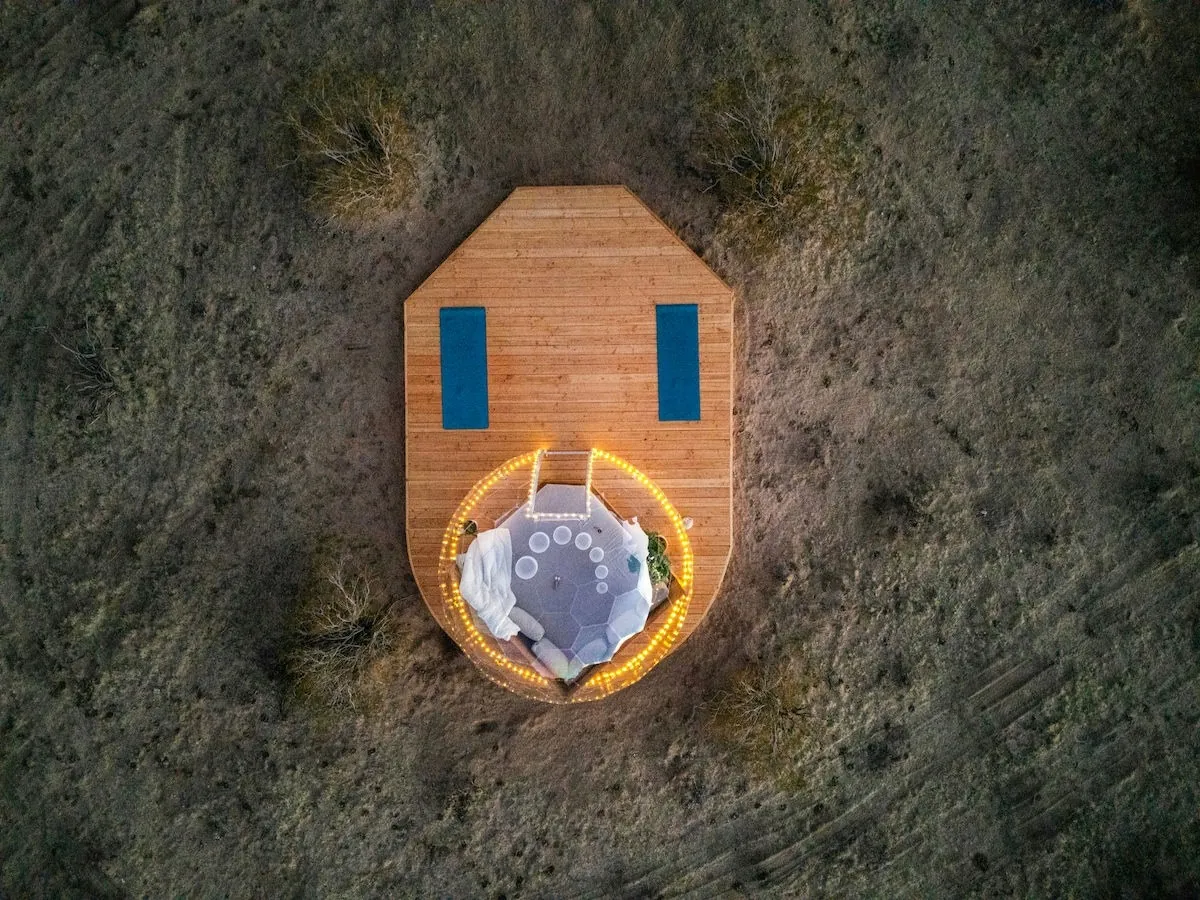
Airbnb’s own ranking documentation puts quality, price, location, and variety at the centre of how listings get ordered in search results, and inside “quality” sits the single most decisive element of any listing: the photos. A guest scrolling on a phone in bed at 11pm is not reading paragraphs. They are scanning rectangles. A cover photo has roughly two to three seconds to register as different before the thumb moves on to the next square — and a transparent geodesic dome glowing in a forest at dusk wins that contest against a beige cabin almost every time.
This is the asymmetric advantage of a dome on Airbnb. The structure does pattern-disruption work for you that no amount of staging can do for a standard rental. Hosts who waste this advantage tend to do it in two ways. The first is by photographing the dome the way they would photograph any other rental — straight on, mid-afternoon, doors closed. The second is by writing the listing as if the dome were the property and not the experience. Both make the listing forgettable on a platform that punishes forgettable listings.
If you are still in the planning phase, our breakdown of why dome occupancy rates outperform cabins, yurts, and bell tents covers the demand side of this advantage. This post is about converting that demand into bookings once your listing is live.
Airbnb allows up to 100 photos on a listing, but the bookings data points consistently to a sweet spot of 20 to 30 high-quality images per listing. Beyond that the marginal photo starts costing you — guests scroll less, mentally check out, and conversions soften. Below 15 photos and guests don’t feel they have seen enough of the space to commit. The arithmetic is unforgiving: too few and you lose to the cabin with more inventory shown, too many and you blunt your own hero shots in a sea of redundant angles.
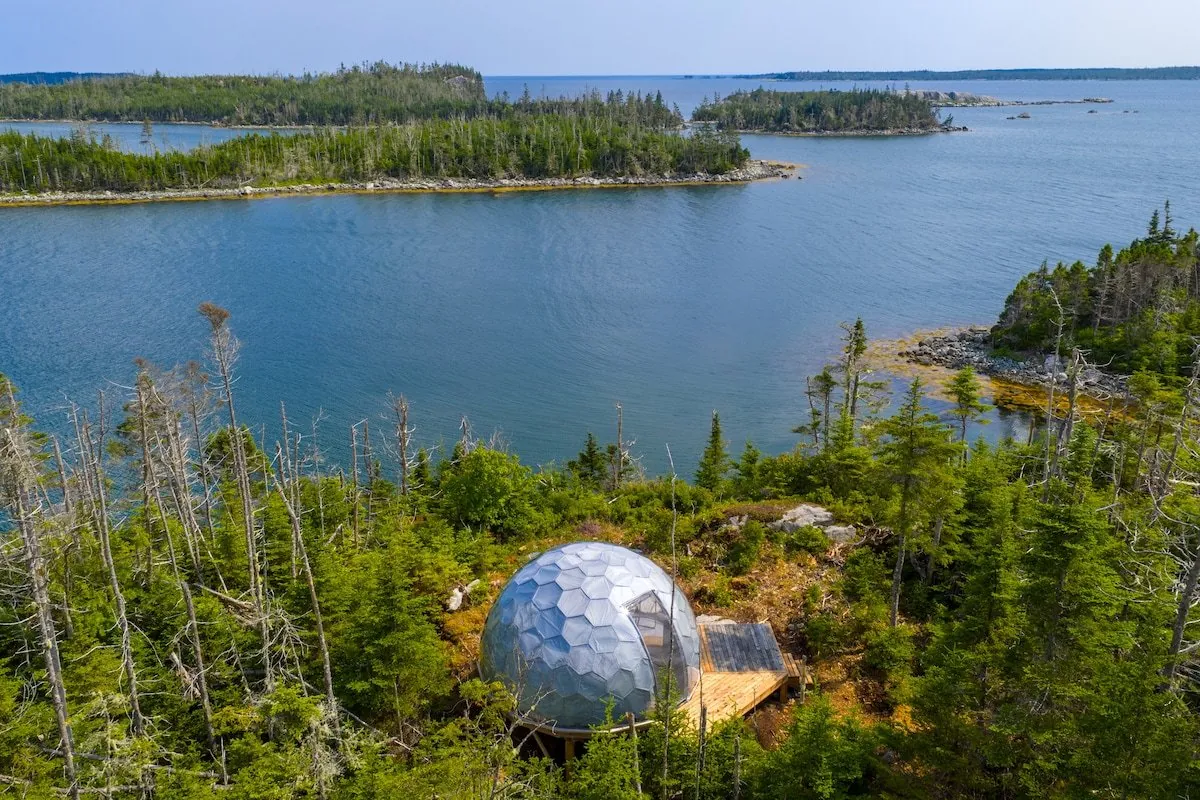
Your cover photo is doing 90% of the work of getting a click. For a dome, the strongest cover photos almost always share three traits. First, they are taken at the edges of the day — golden hour after sunrise or the blue hour just before dusk — when the dome’s transparent panels are doing something the human eye cannot ignore. The interior reads warm and lit; the exterior reads cinematic. A noon shot of a dome looks like architectural product photography. A dusk shot of a dome looks like somewhere you want to be at the end of a long day.
Second, the dome is in context. A dome floating in a void of cropped grass tells the guest nothing about the experience. A dome with a fire pit in the foreground, a forest behind, and a sky doing something interesting tells the guest exactly what the night looks like. Context is not clutter; it is the booking.
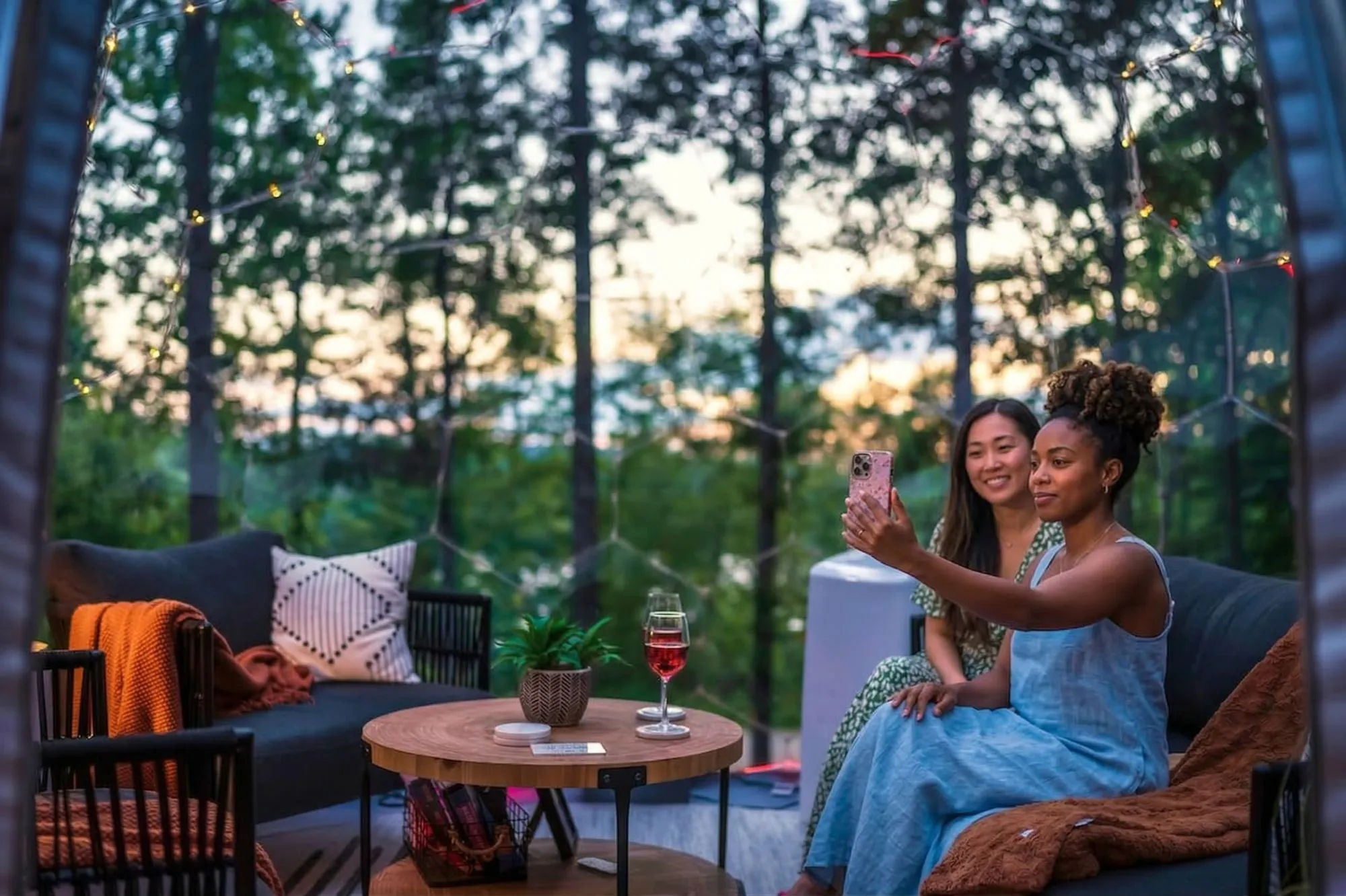
Third, there is evidence of life inside. Even a single lit candle, a thrown blanket on the bed visible through a panel, two wine glasses on a side table — these signals turn a structure into a stay. Empty domes photograph cold. Lived-in domes photograph desirable.
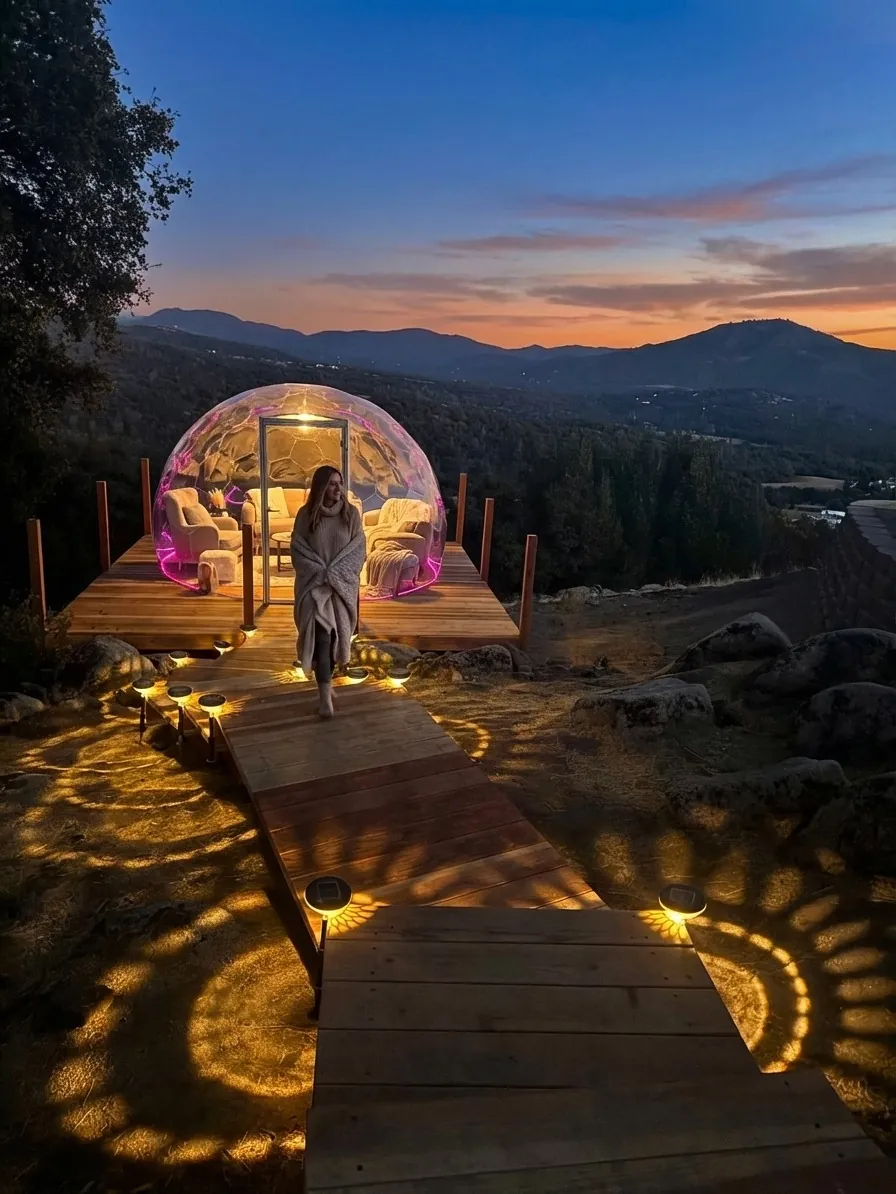
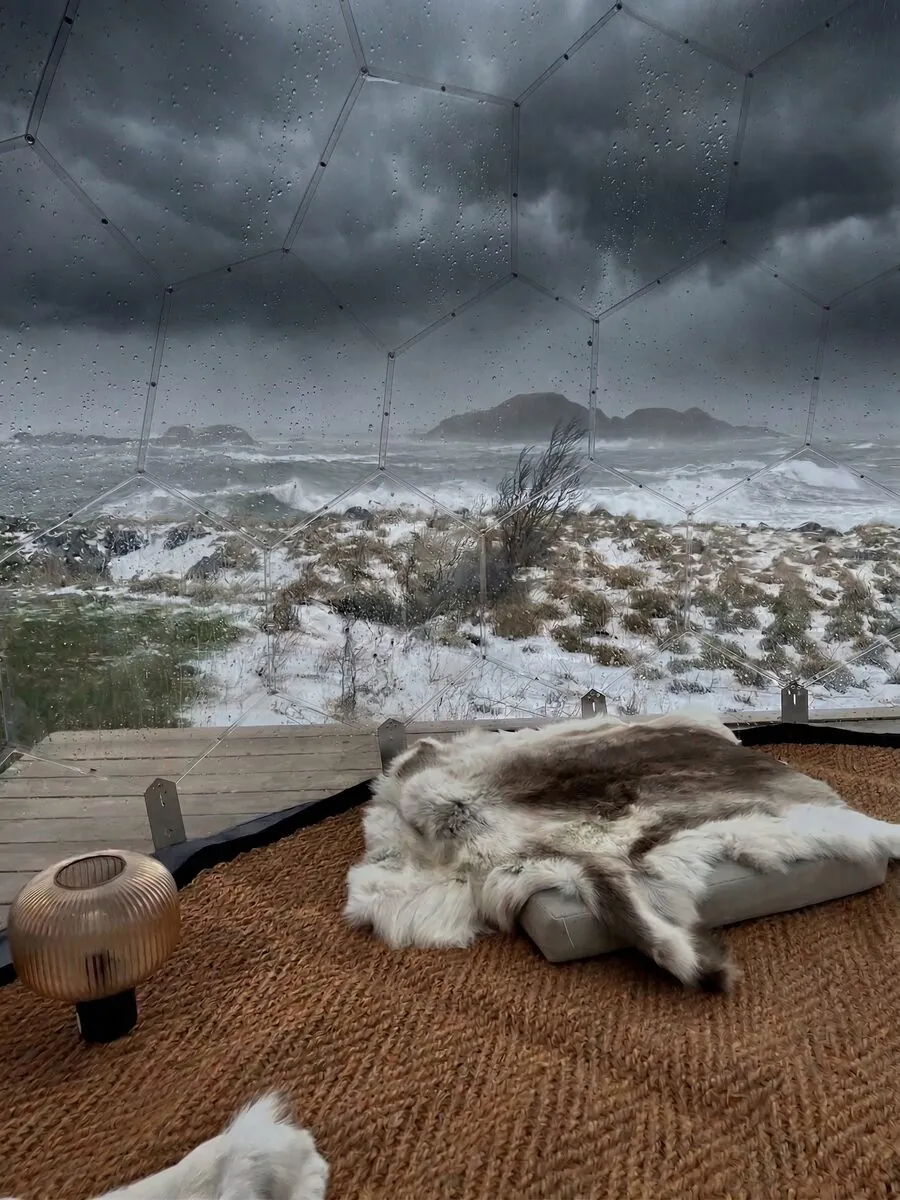
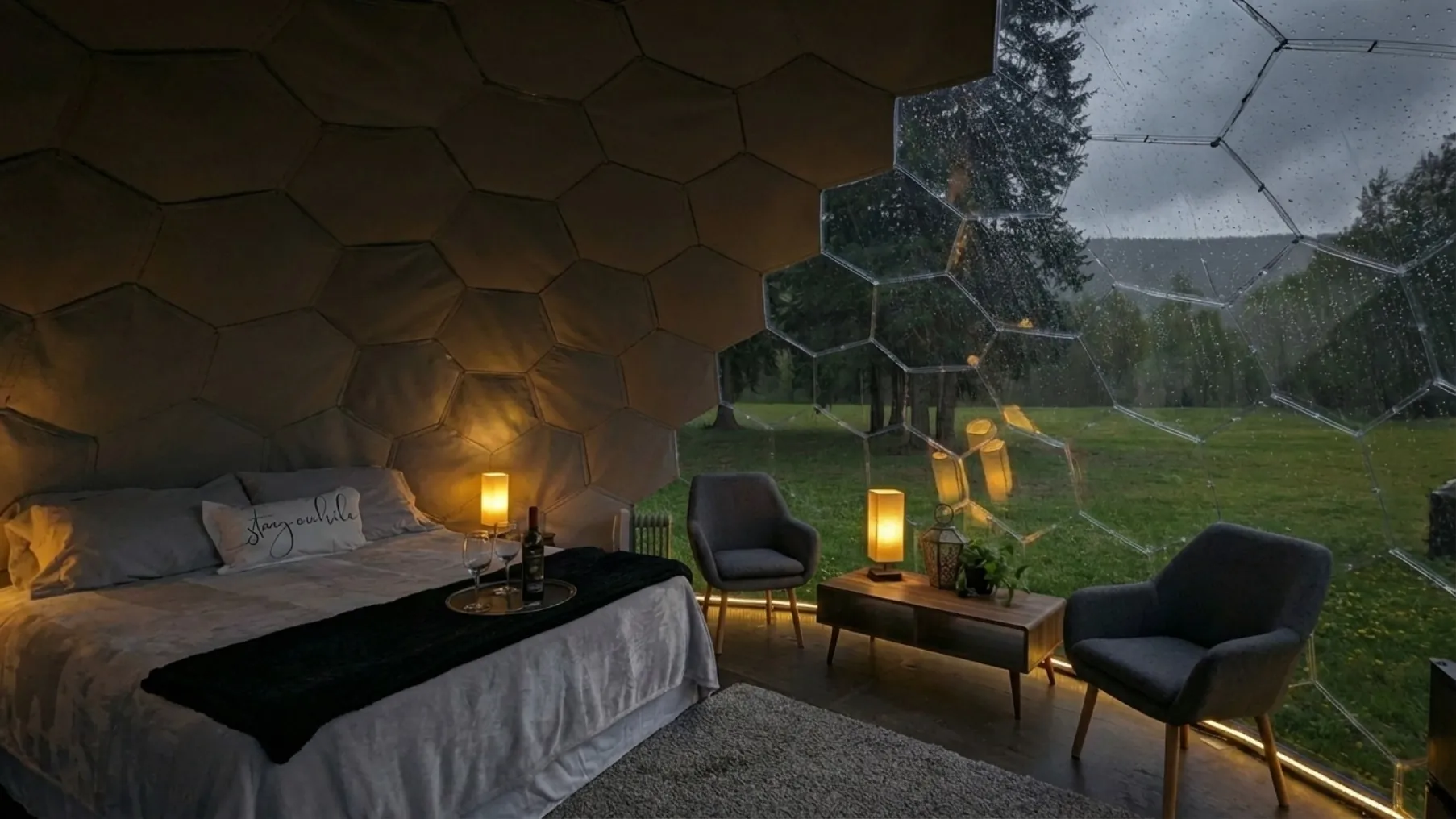
The first five photos on your listing form what Airbnb’s optimisation literature calls the hero gallery, and these images receive a disproportionate share of guest attention before any other part of the listing is loaded. Treat these five slots as a deliberate sequence rather than a random selection of your best shots.
A sequence that consistently performs for dome listings: (1) exterior hero at the magic hour; (2) the interior bed or main feature framed by the curved panel geometry; (3) the bay-window or skylight angle that no other Airbnb property type can offer; (4) the bathroom or kitchenette shot that proves the dome is actually liveable, not just photogenic; (5) a wide-angle lifestyle frame — fire pit, hot tub, deck, or breakfast set-up — that shows the property as a destination, not just a sleeping pod. Resist the temptation to put two near-identical exterior shots in the first five. Each of the five should be doing different work.
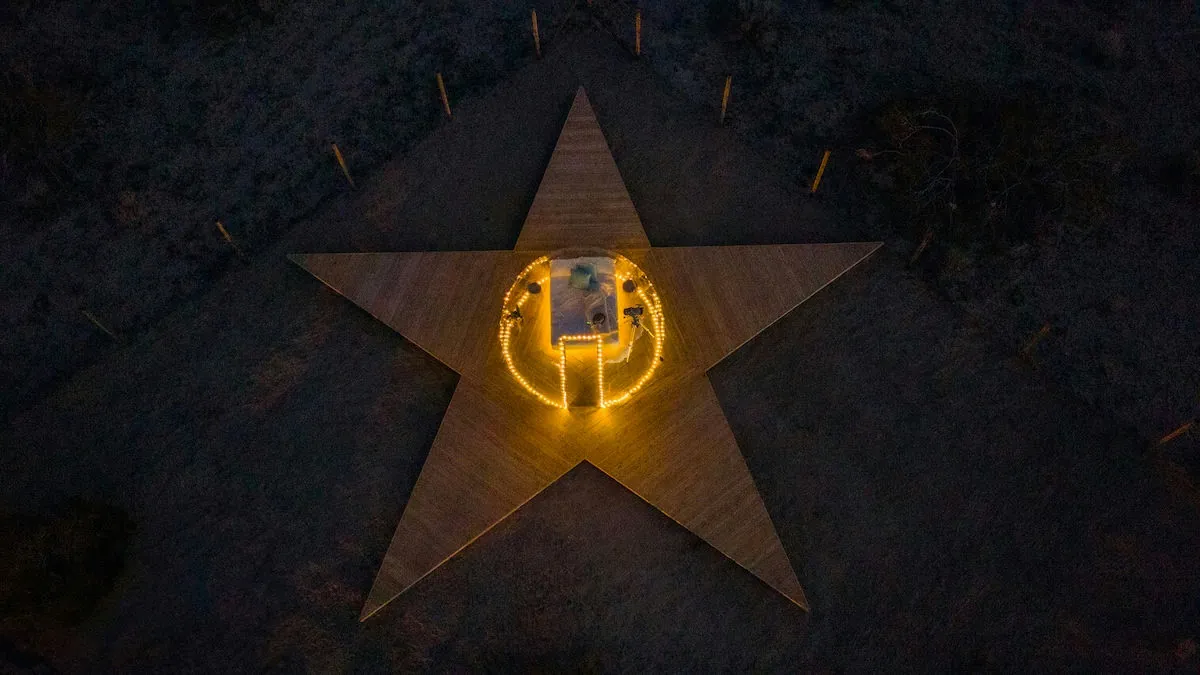
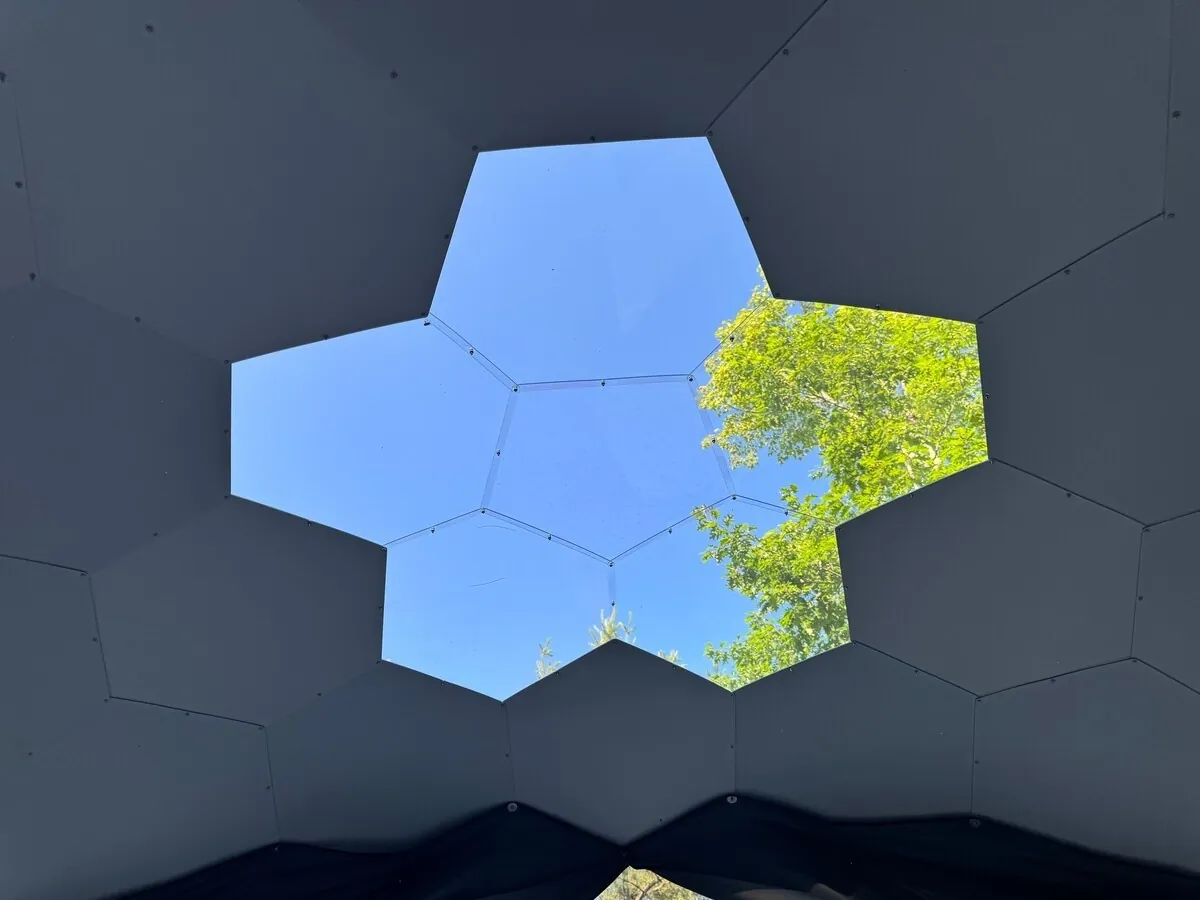
The curved geometry of a geodesic dome opens up shots that simply do not exist in a four-walled cabin or apartment. Use them. The interior shot looking up through the apex panel into a night sky is the single most-shared dome photograph on Pinterest and Instagram, and it transfers directly to Airbnb where guests are saving and comparing. The bay-window wide shot — typically a guest seated on the bed looking out across an uninterrupted curved panel — sells the dome’s defining feature better than any caption can. Aerial shots from a low drone height, framing the dome as a glowing object in landscape, work especially well as the third or fourth gallery image. None of these angles require a professional crew; they require a host willing to be there with a camera at 5am and 9pm.
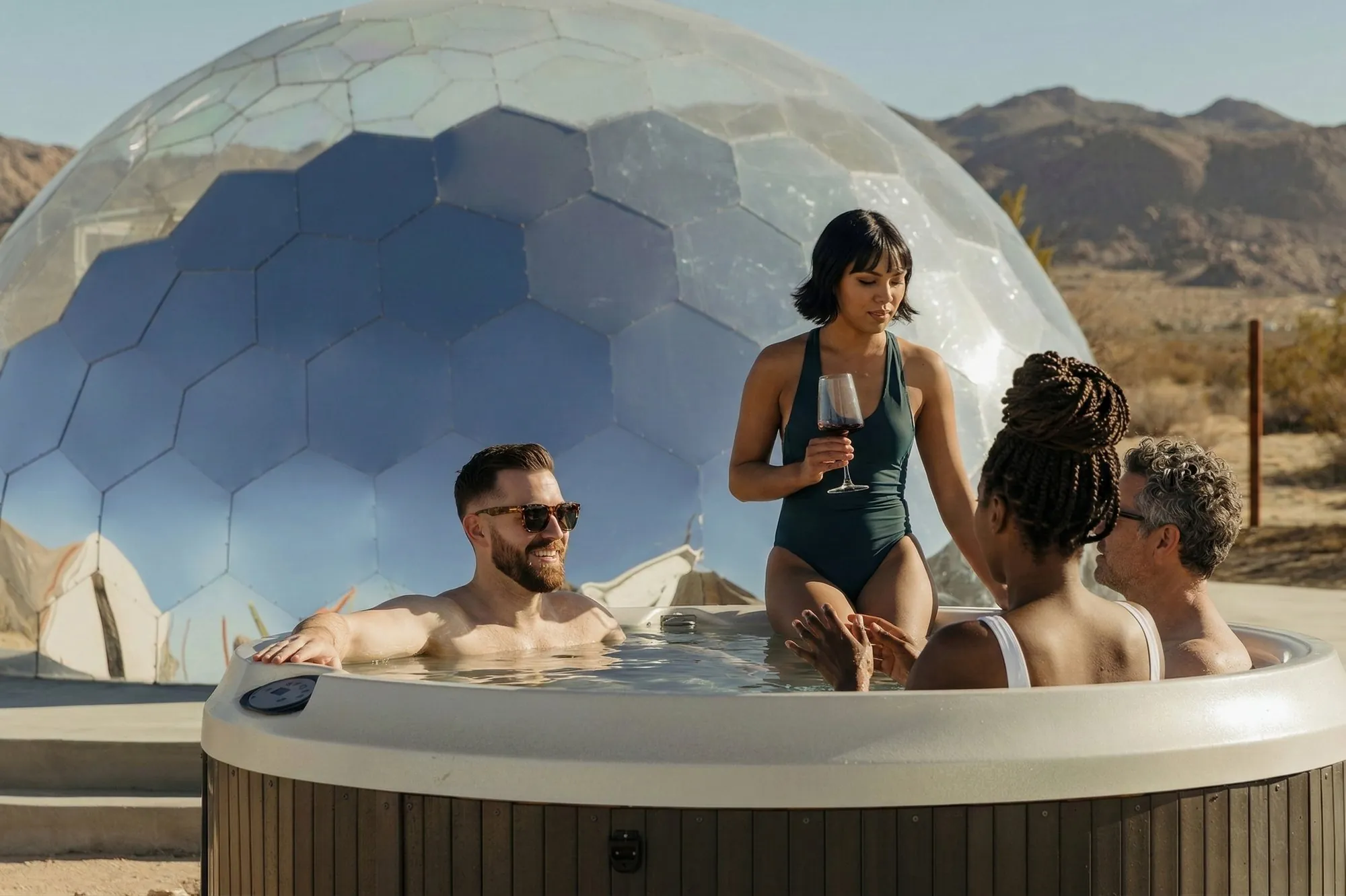
After the hero gallery, group your remaining 15 to 25 photos by purpose. Cover every room or zone (sleeping area, bathroom, kitchen, lounge, outdoor space). Show every amenity that justifies the nightly rate (hot tub, fire pit, wood-burner, telescope, premium bedding). Include two to three lifestyle frames that show humans using the space — not models, just real evidence the space is meant to be used. Close on a strong exterior or aerial that returns the viewer to the structural drama of the dome. Captions on every photo are a low-effort, high-leverage habit most hosts skip; Airbnb indexes them, and they reinforce the keywords you want the listing to rank for.
Airbnb gives you 50 characters for your listing title. On desktop you get all 50; on mobile, only the first 32 characters are reliably visible before the title truncates with an ellipsis. Mobile app bookings accounted for 63% of all nights booked on Airbnb in Q1 2026 (up from 58% a year earlier), so the practical title is the first 32 characters — everything after that is for the minority of users who tap through.
The strongest format for a dome listing is [Defining feature] + [Property type “Dome”] + [Location anchor], with the most click-worthy detail loaded into the first 32 characters. “Stargazing Dome with Hot Tub, Lake” works. “Beautiful Cozy Geodesic Glamping Pod Near Forest” wastes its first eighteen characters on adjectives the algorithm and the guest both ignore.
Specific words that have repeatedly correlated with higher click-through on dome listings: stargazing, hot tub, lakefront, mountain view, secluded, off-grid, fireplace, sauna. These are amenity and benefit signals — they tell the guest what they will do, not just what the property is. The word “dome” itself is non-negotiable; it is the entire reason the listing appears in Unique Stays searches and the entire reason guests opened your thumbnail in the first place.
“Beautiful,” “charming,” “cozy,” “stunning,” “amazing,” “luxurious,” “unique,” and “modern” all share one property: they tell the algorithm nothing and tell the guest nothing they didn’t already assume from the cover photo. Every one of these openers is burning four to ten of your most valuable characters. Replace them with concrete amenities or location anchors. “Cozy Dome with Forest View” becomes “Stargazing Dome, Forest, Hot Tub” — same character count, three times the booking signal.
Avoid all-caps, exclamation marks, and emoji. They make titles harder to scan, they break Airbnb’s title guidelines, and they correlate with lower-performing listings in every dataset published on the topic.
A guest who has clicked through to your listing page is no longer in pattern-disruption mode. They are deciding. The description has to do three things in roughly that order: confirm the fantasy the photos created, remove the practical objections, and answer the questions they would otherwise ask in a message.
Airbnb truncates the description on mobile after the first few lines with a “Show more” link. Most guests never tap it. Your first paragraph is, in practical terms, the entire description for the majority of guests who will read any description at all.
Open with the experience, not the spec. “Wake up in a geodesic dome with the morning light coming through every panel, eight minutes from the lake, with a hot tub on the deck and a fire pit ready for the evening.” That sentence works because it loads the senses, gives location proof, and lists the two amenities that drive bookings. Compare it to: “Welcome to our beautiful luxury glamping dome in a stunning rural setting. We hope you will enjoy your stay.” Every word of the second version is doing nothing.
Below the fold, structure beats prose. Use short paragraph blocks (two to four sentences) with clear topical breaks. A working order: the dome itself (model, size, bed configuration, what the curved geometry means for the space), the experience (what the property is best for — stargazing, romantic weekends, family retreat, remote-work week), the practical layer (heating in winter, cooling in summer, bathroom set-up, kitchen, Wi-Fi speed, parking), the location (drive times to nearby towns, walking distance to natural features, the best season), and the house rules. Hosts who bury heating and Wi-Fi at the bottom lose bookings to hosts who put them in the second paragraph. Both topics are silent dealbreakers.
Airbnb’s search index uses your description text as a ranking signal for keyword matches. This does not mean stuffing. It means using the exact phrases guests type into the search bar — “stargazing dome,” “hot tub dome rental,” “geodesic dome with sauna,” “dome with fireplace,” “all-season dome” — in natural sentences inside the description. One natural occurrence of each relevant phrase typically does more for search visibility than three forced occurrences of any single phrase.
If your dome is genuinely all-season, say so explicitly and back it up: “Insulated for year-round comfort — guests stay through winter snowstorms and summer heatwaves.” Our breakdown of how a dome handles 120 km/h winds, heavy snow, and year-round British weather gives you the technical basis for that claim; the description gets the one-sentence version of it.
A dome on Airbnb sits in the Unique Stays category, and guests in that category are not comparison-shopping against the nearest motel. They are comparison-shopping against treehouses, yurts, A-frames, and other domes — a peer group with a structurally higher willingness to pay. Industry benchmarks for well-positioned dome listings in scenic or glamping-popular areas typically place the achievable nightly rate in the $200–$500+ range, with mature operators reporting annual gross revenue in the $25,000–$60,000+ band for a single well-run unit. The headline is that the novelty premium is real; the warning is that under-pricing a dome leaves money on the table without buying you any meaningful occupancy bump.
The most common pricing mistake first-time dome hosts make is benchmarking against the average cabin or rental in their area. That is the wrong peer group. The right peer group is other unique stays — and crucially, the other domes — within a two- to three-hour drive of your location. Pull ten comparable dome listings, look at their nightly rates on a typical weekend in their peak month, and set your base rate at the median of that group rather than at the cabin average. If your dome offers a stronger amenity stack (hot tub, sauna, larger floor plate, better view), anchor at the upper quartile.
Dynamic pricing tools (PriceLabs, Beyond, Wheelhouse) move your rate automatically based on local demand signals. They are genuinely useful for capturing peak-demand uplift on weekends, holidays, and events you wouldn’t have spotted manually. They are also dangerous when allowed to set your floor — the algorithms will discount aggressively during mid-week shoulder seasons to chase occupancy, and a dome priced like a roadside motel on a Tuesday in February damages the listing’s positioning for the rest of the year. Set a strict floor at roughly 70% of your weekend rate, and let the tool optimise above it.
The instinct to slash rates in winter assumes a dome is a summer product. It is not. Domes earn disproportionately well in shoulder and off-seasons compared to most accommodation types, because the very weather that closes other unique stays is the weather a dome shows best in. Snow on the panels, fire pit on the deck, stargazing through a clear winter sky — these are the conditions the dome was built for and the conditions guests pay a premium to experience. Hold your winter rates closer to summer than to zero. The right discount in February is single-digit percentages off the peak rate, not 40%.
Conversely, do not under-price spring and autumn weekends. Hosts who report strong year-round numbers — for instance, the operators we profile in our look at adding a dome to an existing rental property — earn most of their margin from these shoulder months, not from the obvious summer peak.
Two structural levers most dome hosts under-use. The first is a one- or two-night minimum on weekends combined with a longer minimum on peak holiday weeks; this protects you from the cleaning-cost squeeze of one-night bookings while still capturing weekend romantic-getaway demand, which is a major dome-listing pattern. The second is a small last-minute discount window (5–10% off the rate for bookings made within 48 hours of arrival) that lifts occupancy on otherwise-empty mid-week nights without telling the algorithm the listing is generally cheap.
Airbnb’s search algorithm rewards listings that demonstrate operational quality, not just visual quality. The photo work above gets you the click; these signals decide whether you keep ranking once the listing is live.
Airbnb gives substantial weight to how quickly and consistently a host replies to enquiries, and Superhost status — which lifts ranking meaningfully — requires a response rate of at least 90% within 24 hours, a 4.8+ overall rating, at least 10 completed stays in the past 365 days, and a cancellation rate below 1%. Faster response times still help: hosts who consistently reply within an hour tend to convert enquiries into bookings at a higher rate than the platform-wide average, even though the formal Superhost threshold is 24 hours. The cheapest tool for hitting these numbers is a saved-reply template for the most common questions (pet policy, check-in process, parking) and push notifications turned on for all enquiries.
Instant Book listings rank materially higher in default search results because Airbnb optimises for friction-free bookings. The objection most hosts have — losing the ability to screen guests — can be substantially handled with Instant Book’s built-in requirements (verified ID, positive review history, no negative reviews) and a clearly-written house-rules acknowledgement at booking. For a dome listing where the property itself is the screening filter — guests opting into a unique stay are generally a self-selecting cohort — Instant Book is close to a free upgrade.
An out-of-date calendar is one of the easier ways to silently lose ranking. Open the calendar at least 12 months out, update availability promptly, and price all 365 nights (do not leave them at the platform default). Review velocity — the rate at which fresh reviews arrive — is also a ranking factor, which means the first 90 days after launch are disproportionately important. Encourage every guest to leave a review with a simple post-checkout message; the lift from going from eight reviews to twenty is larger than the lift from going from forty to a hundred.
None of the tactics above are exotic. The reason dome listings outperform on Airbnb is not that any single one of them is a secret. It is that almost no host does all of them, and the impact compounds. A strong cover photo earns the click; a strong hero gallery earns the time-on-listing; a tight title earns the search match; a sharp first paragraph earns the deeper read; a defensible price anchors the perceived value; the algorithm signals lift the visibility; and the first ten five-star reviews from guests who arrived at a property that delivered on the photos pulls the whole listing into a self-reinforcing rank trajectory.
The hosts who execute all of this on the same listing tend to look, six months in, like they got lucky. They didn’t. They built a listing where each layer was carrying its share of the work, and the dome — already the strongest piece of inventory in the search grid — was finally being shown at its full value.
If you are still deciding between dome models or configurations for your rental, our Hypedome configurator walks you through size, panel options, insulation packages, and base systems in about ten minutes. If you already have a dome and want it earning at the top of its peer group, the next thing to do is the smallest one in this article: re-shoot the cover photo at dusk.
Between 20 and 30 high-quality photos is the sweet spot. Below 15 and the listing feels under-evidenced; above 35–40 and conversion typically softens as guests scroll less and disengage. The first five photos — the hero gallery — receive the most attention and should be a deliberate sequence: exterior magic-hour, interior feature, signature dome angle, liveability proof, lifestyle wide-shot.
Lead with a defining amenity or experience (stargazing, hot tub, lakefront, off-grid), include the word “Dome,” and anchor a location detail — all inside the first 32 characters so it survives the mobile truncation. Drop generic adjectives like “cozy,” “beautiful,” or “luxurious”; they consume characters without earning clicks.
Well-positioned dome listings in scenic or glamping-popular areas typically achieve nightly rates in the $200–$500+ range, with mature single-unit operators reporting annual gross revenue between $25,000 and $60,000+. The premium is real but depends heavily on location, amenity stack, and listing quality — none of which can substitute for the others.
For most dome hosts, yes. Instant Book lifts ranking in default search results, and the screening risk is largely contained by enabling the built-in requirements (verified ID, positive review history). Domes self-select for a particular kind of guest, which further reduces the practical risk.
Not dramatically. Domes show at their best in snow, autumn rain, and clear winter skies, and demand for these conditions is structurally underserved on Airbnb. Hold winter rates close to peak — single-digit percentages off, not 30–40%.